
Partner Guide
How to request a partner account and use the K LAB partner portal.
1 How to Apply
-
Open the request form
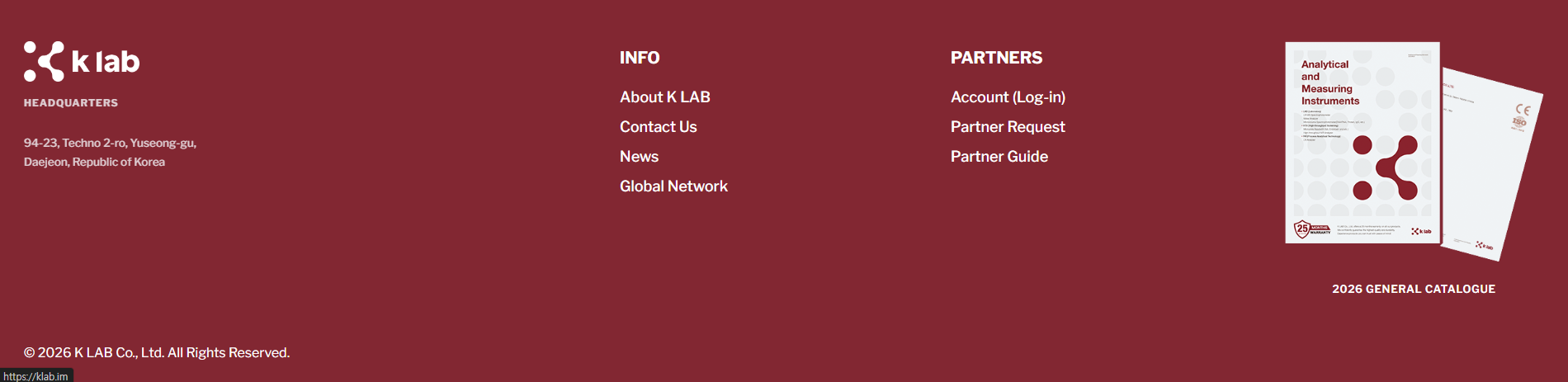
Click Partner Request in the site footer (under Partners), or Request an account on the Partner Login page.
-
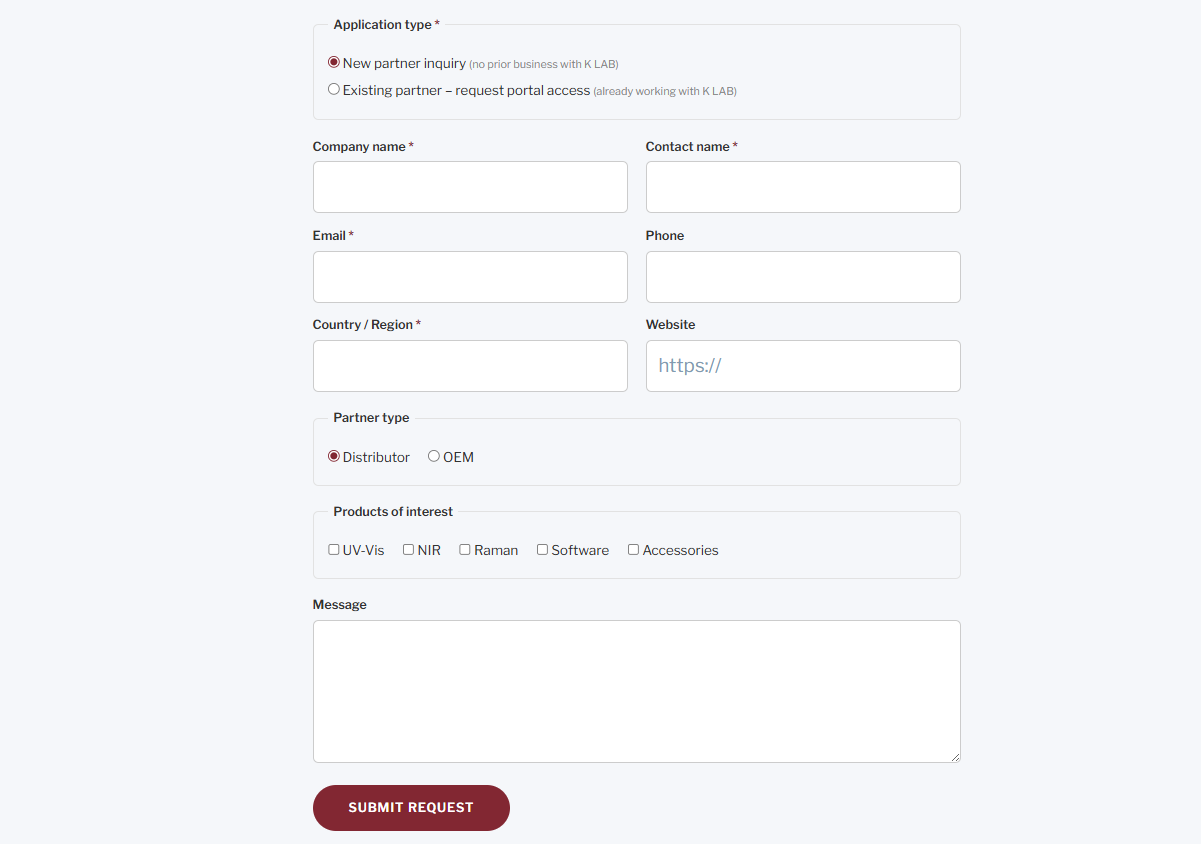
Fill in the form
Select your application type — New partner inquiry or Existing partner — then enter your company, contact, email, country, partner type, and products of interest. Open the request form ›
-
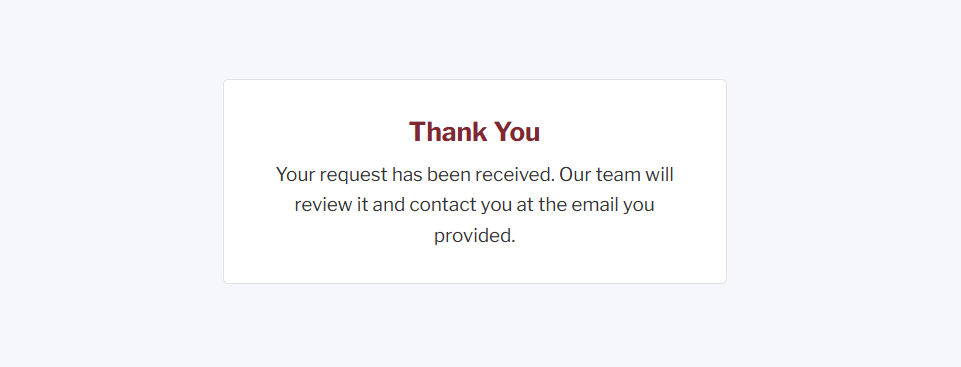
Submit & wait for approval
After submitting you'll see a confirmation. Our team reviews your request and sends your login credentials by email.
2 Using the Portal
-
Sign in
Go to the Partner Login page and enter your email address and password.
After clicking Log In, a one-time verification code will be sent to your email. Enter the code on the next screen to complete sign-in.
Tip: If you don't see the email, check your spam or junk folder. The code expires after a few minutes — request a new one if needed. -
Home
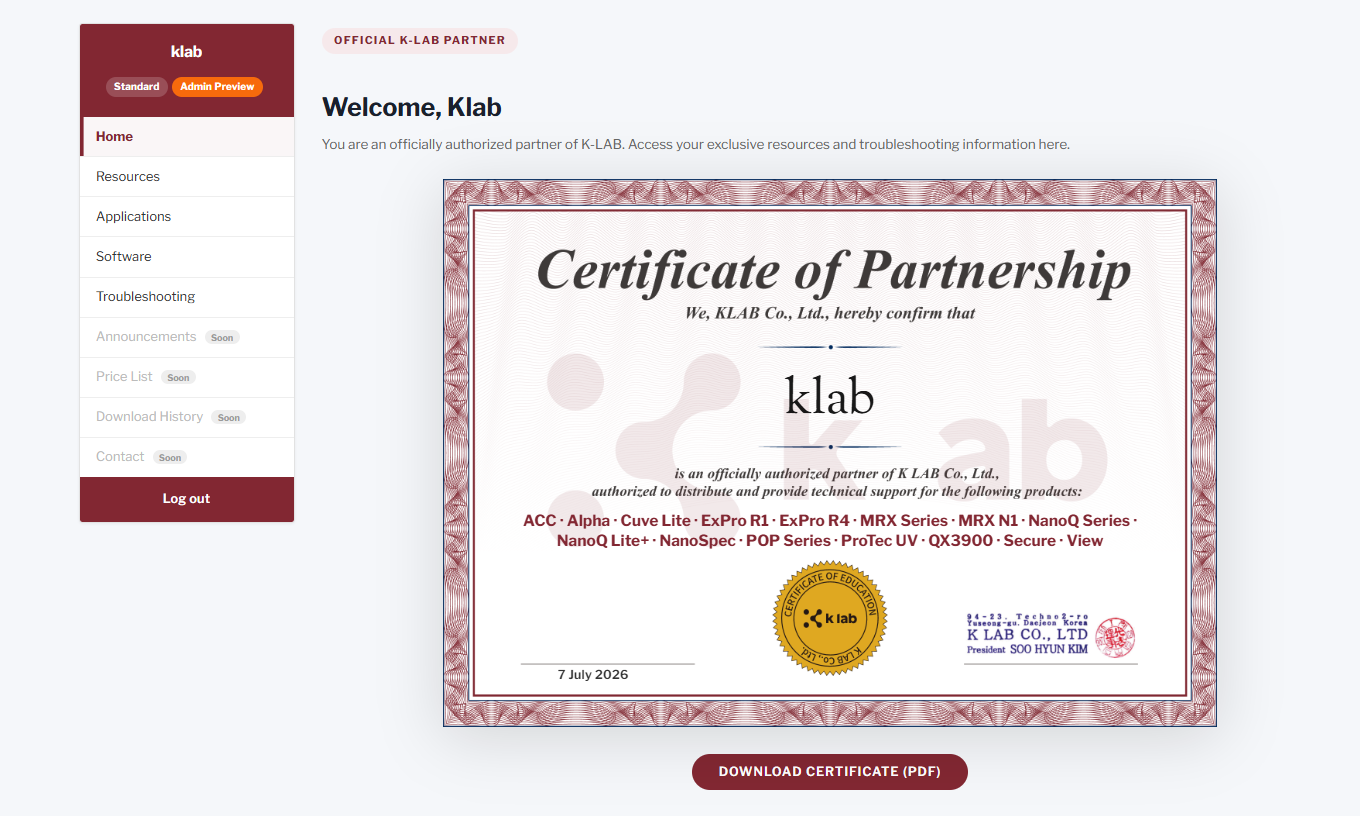
Once signed in, your Home shows a welcome message and your Partnership Certificate (downloadable as PDF). The left menu lists the sections available to you.
-
Browse your sections
Use the left menu:
- Resources — choose your product to view Photos, Catalogs & Datasheets, and Manuals
- Applications — application notes & technical notes
- Software — software & firmware downloads
- Troubleshooting — guides and solutions for your products
-
Download materials
Click the Download button on any item. Files are secure and available to authorized partners only.