
View
(PC Software)
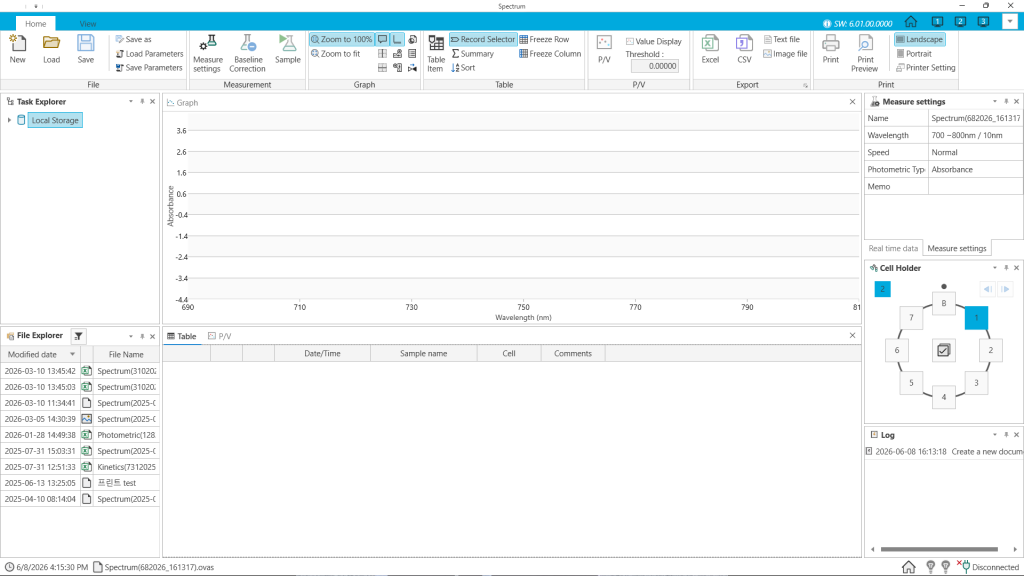
View is a Windows-based PC software that allows you to conveniently control and manage K LAB’s UV-Vis spectrophotometer series directly from your PC.
You can monitor sample measurement results in real time and manage instruments and data in an integrated Windows environment.
Key Features
Measurement Modes
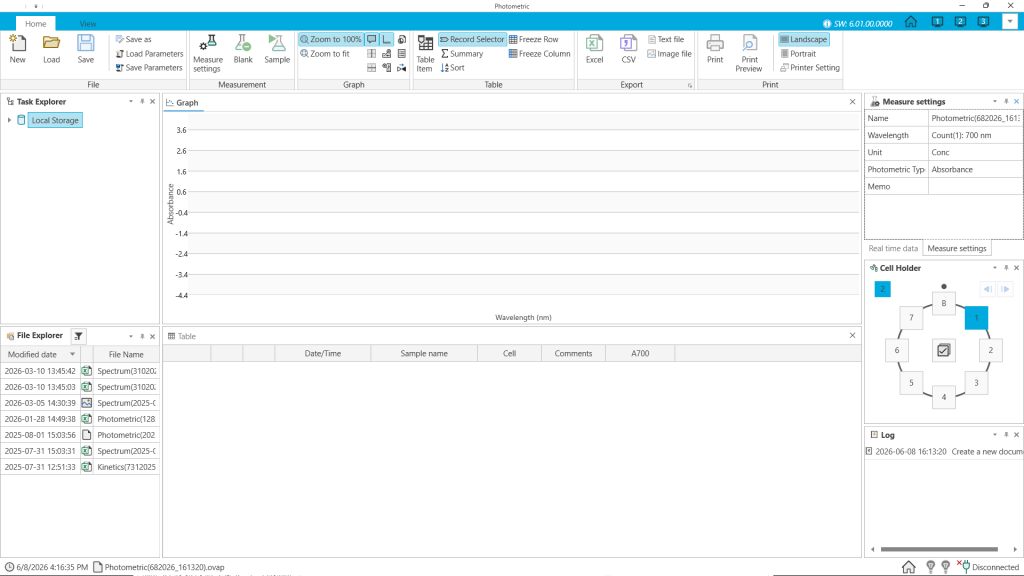
Photometric Mode
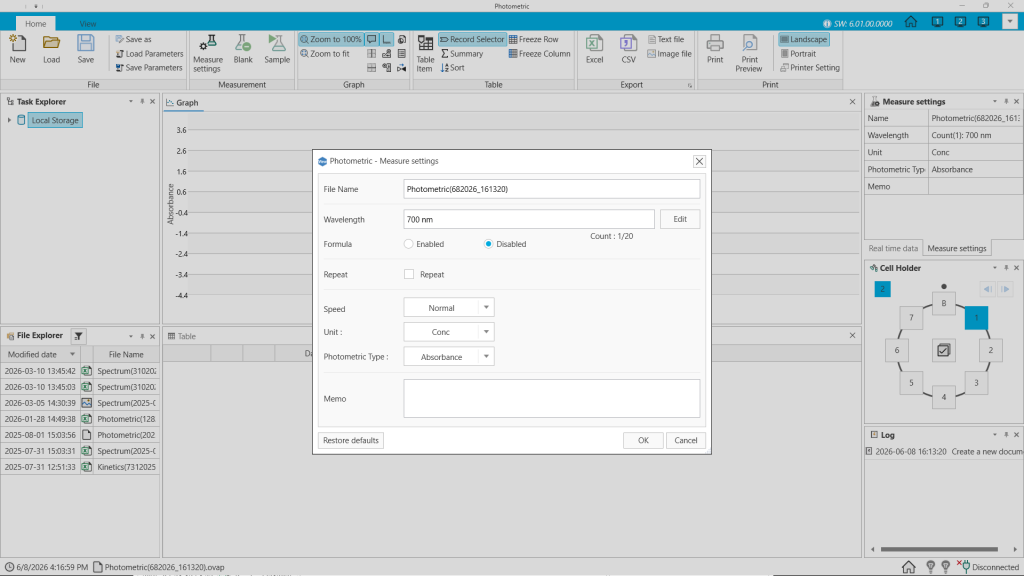
Measures the absorbance (Abs) or transmittance (%T) of a sample at up to 20 wavelengths. Simple quantitative calculations (C = K × A) are possible by setting a Factor (K) value. Up to 7 samples can be analyzed automatically using a multi-cell holder.
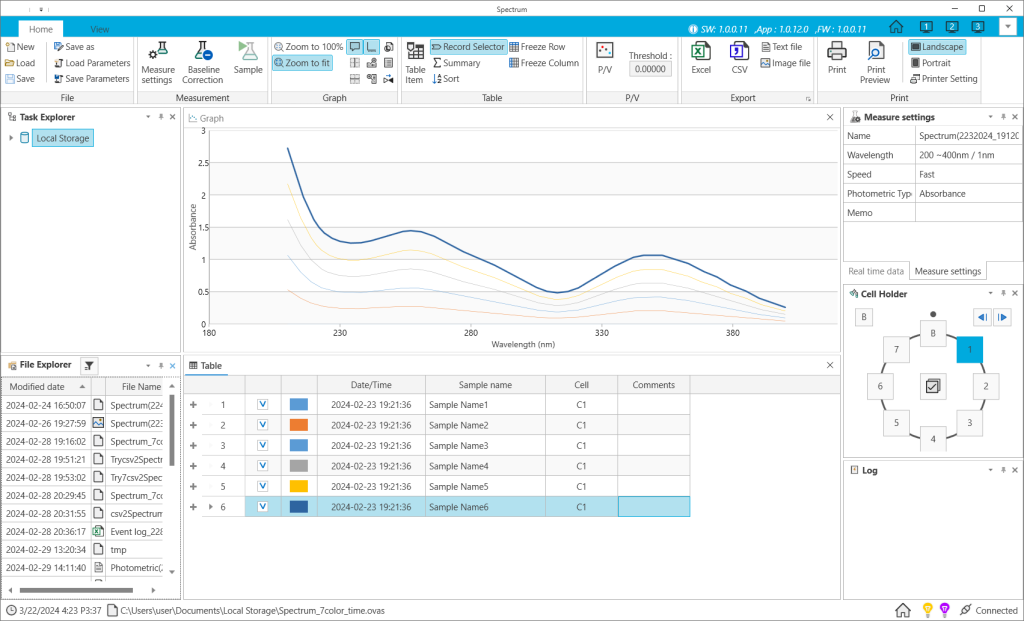
Spectrum Mode
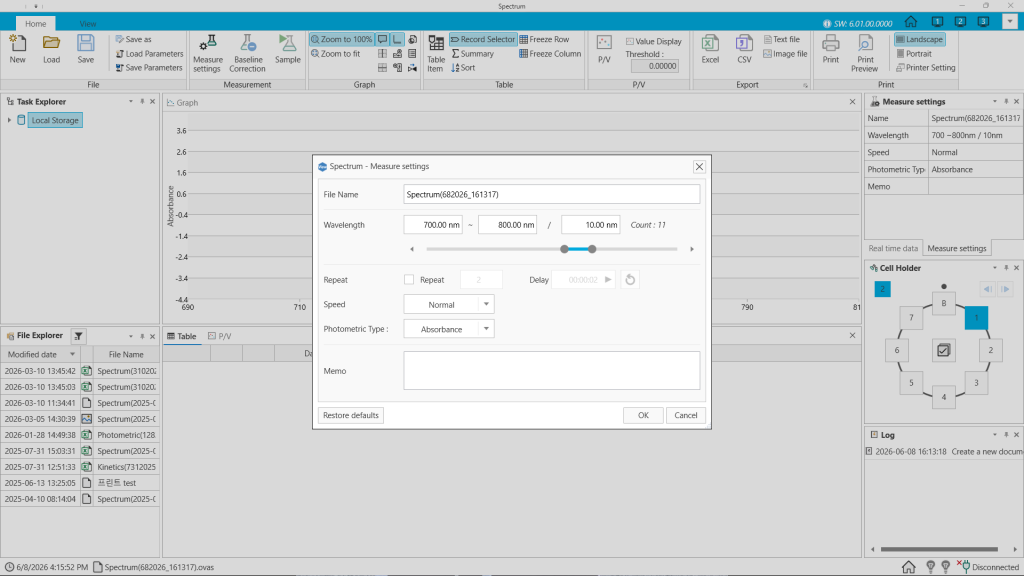
Measures the absorption or transmission spectrum over a desired wavelength range. Supports repeat measurements, section zoom, and Peak/Valley detection. Absorbance and transmittance data can be switched at any time.
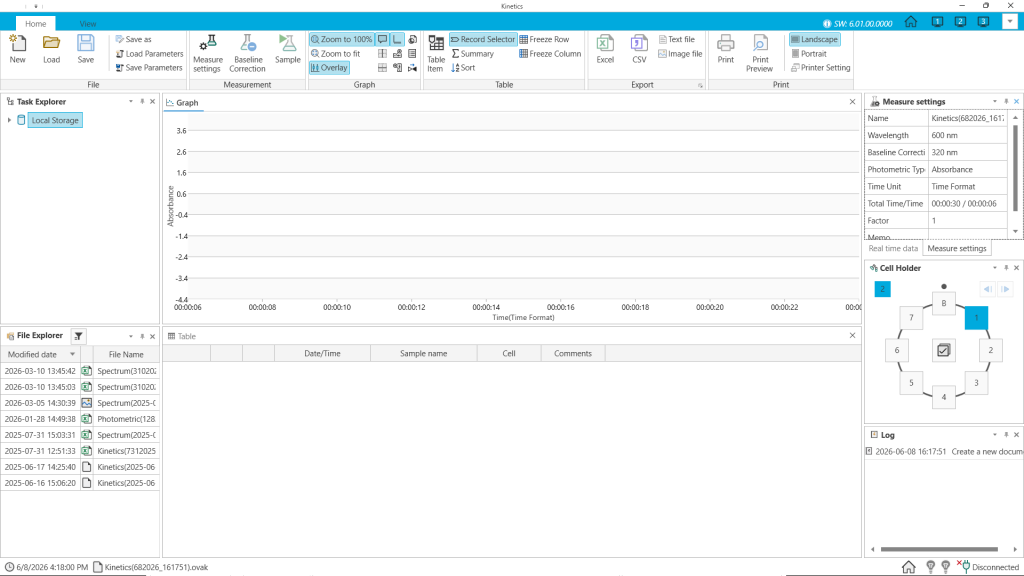
Kinetics Mode
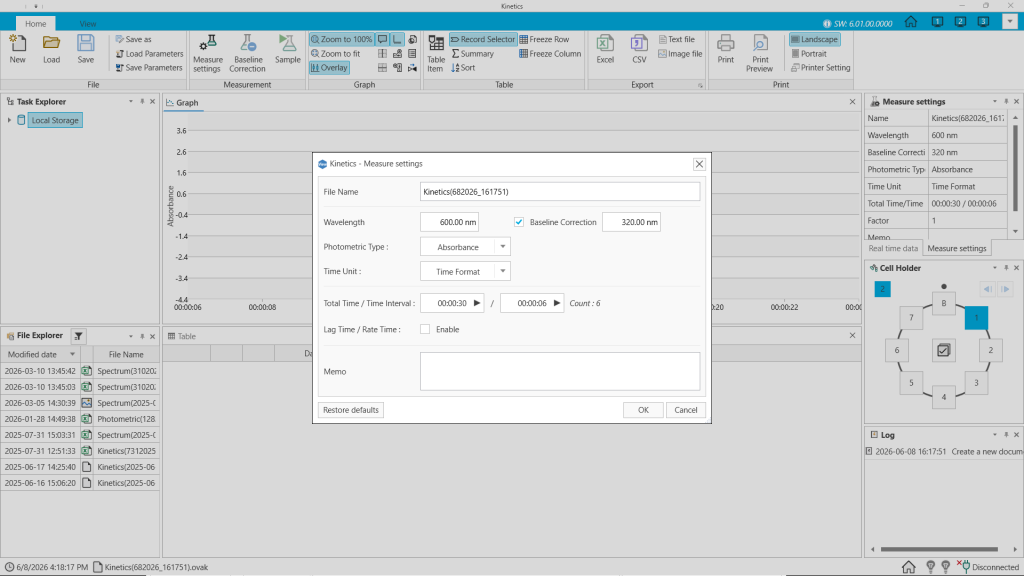
Measures changes in absorbance or transmittance over time at a specific wavelength. Measurements can be taken at intervals as short as 1 second. Lag Time and Rate Time settings allow analysis of enzyme reaction rates and enzyme activity values.
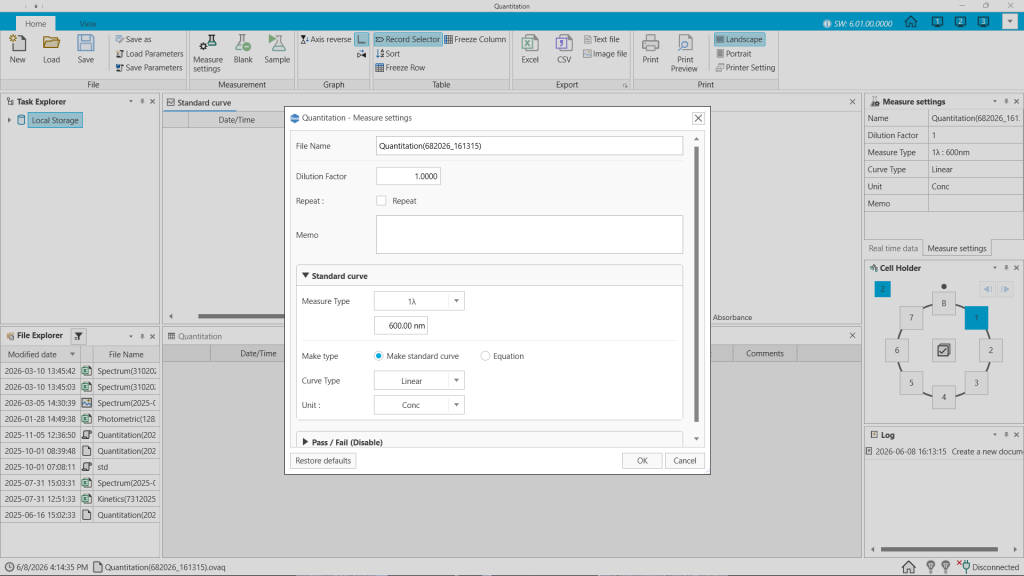
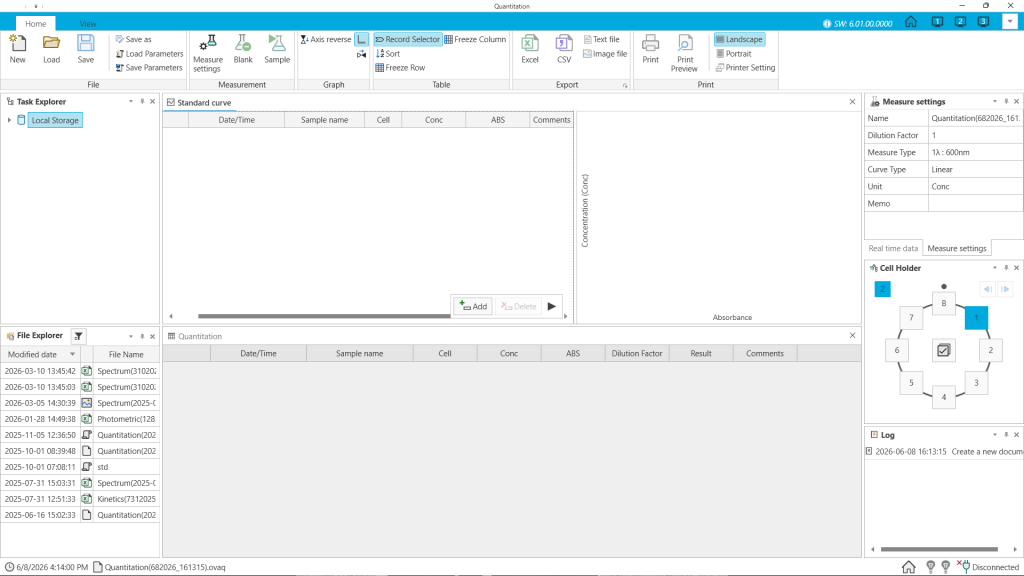
Quantitation Mode
Performs quantitative analysis of samples using a calibration curve. Supports 1λ / 2λ / 3λ / Derivative measurement types and Linear, Quadratic, and Cubic curve types. Pass/Fail evaluation is also available using custom formulas.
Key Functions
Data Export & Report Output
Export data in various formats including Excel, CSV, text, and image files. Customizable report output allows you to include or exclude logos, headers, graphs, and tables.
Real-Time Monitoring
Monitor the current wavelength and measurement values (absorbance/transmittance) of the connected instrument in real time. Auto Zero and wavelength changes can also be performed directly from the software.
Formula Function
Create custom formulas expressions using measurement results. Supports arithmetic operations, mathematical functions (SUM, ABS, SQRT, etc.), statistical functions (AVERAGE, STDEV, etc.), and logical functions (IF, AND, OR, etc.).
Customizable Screen Layout
The size and layout of the main screen can be adjusted to suit the user’s environment, improving operational convenience and work efficiency.
Multi-Language Support
Supports English, Korean (한국어), Chinese (中文), and Japanese (日本語).
System Requirements
Item
Minimum
Recommended
OS
Windows 7, 8, 10
Windows 11
Processor
Intel Pentium D / AMD Athlon 64 X2
Intel Core 2 Duo E6600 (2.4GHz) or higher
Graphics
NVIDIA GeForce 6800 (256MB) or higher
NVIDIA GeForce 8800 GT (512MB) or higher
Memory
4GB RAM
8GB RAM
Storage
1GB or more
1GB or more
Resolution
1920 × 1080 or higher
1920 × 1080 or higher
(*) Compatible Products
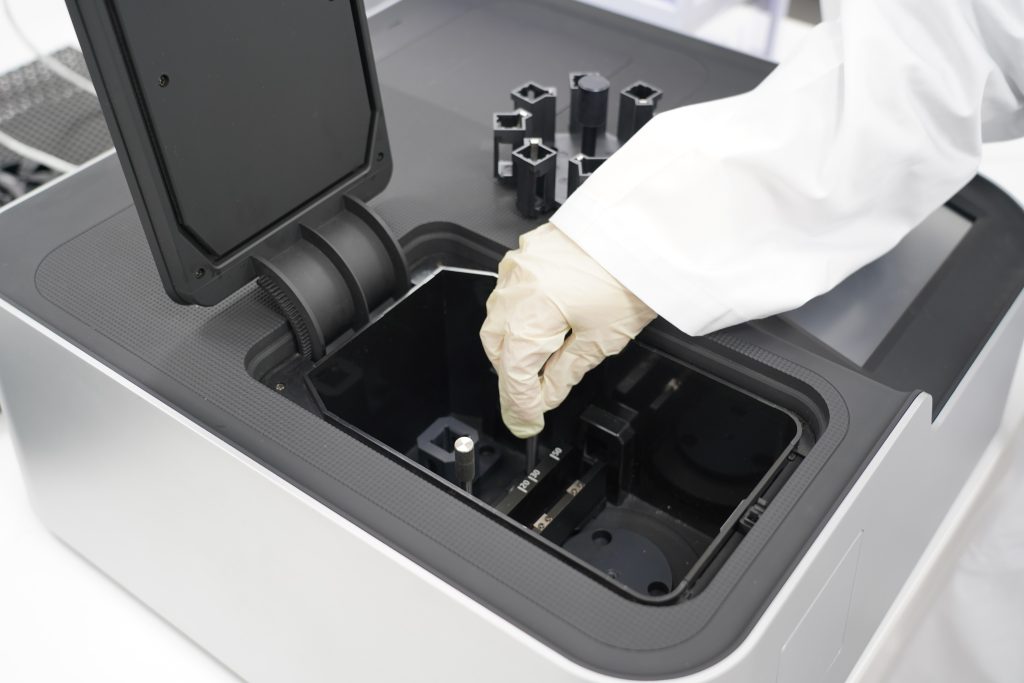
Alpha (Double-beam)
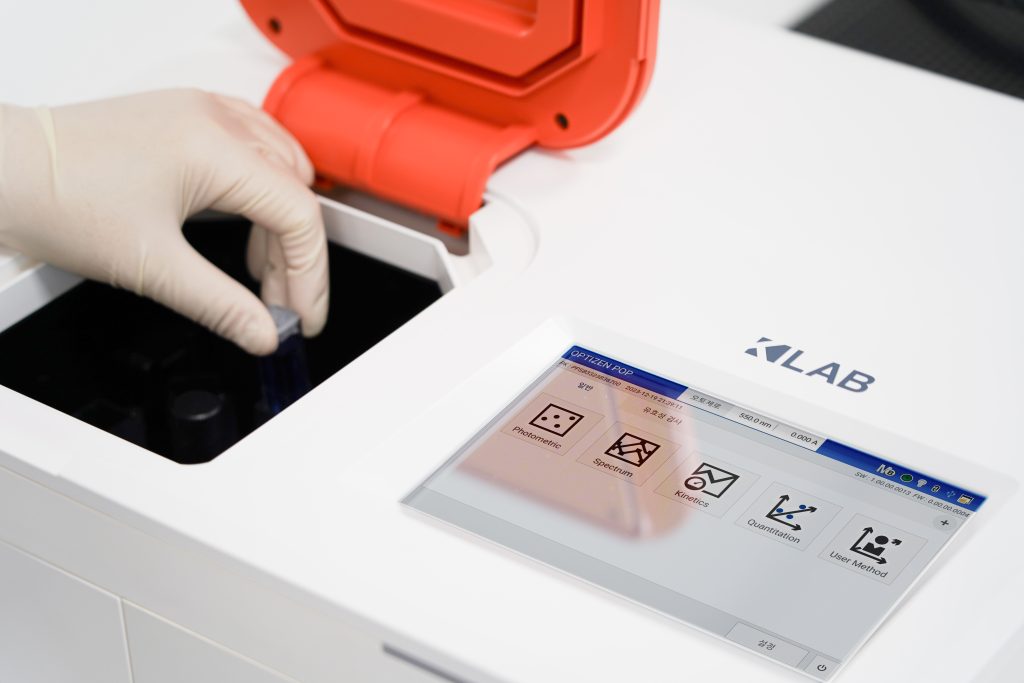
POP Series (Single-beam)
Downloads
GET A QUOTE?
Request a Quote.
Whether you’re exploring options or ready to move forward, our team is here to help. Contact your local dealer or submit a quote request and we’ll provide a competitive offer based on your specific requirements.
Trusted by leading companies: